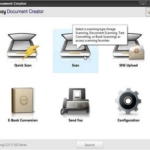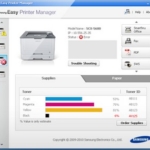
This file a Scanner Diver for Samsung M2070 Series Printer.
Software details
Product description
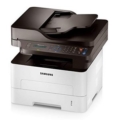
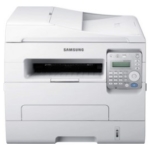
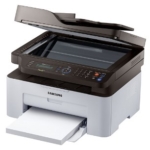
Samsung Xpress SL-M2070FW Laser Multifunction Printer
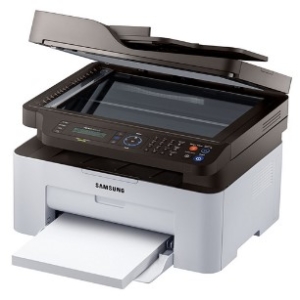 Samsung Xpress SL-M2070FW is a Mono Laser Multifunction Printer as a smart choice whether you work at home or run an off-the-shelf business. This versatile printer will help you communicate with clients, prepare presentations, produce high-quality copies, and follow administrative documents without the need for four different machines. Managers will love it because it works short while helping to reduce excessive costs.
The Samsung M2070FW delivers fast and high-quality results. The SL-M2070FW is equipped with a 600 MHz processor and 128 MB memory, so it can print up to 21 pages per minute, and this makes it a smart choice for busy office environments.
Internal ReCP technology also sharpens text edges and prints at resolutions of up to 1,200 x 600 dpi to improve readability and exceptional image quality.
Tags:
You may also like these softwares