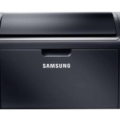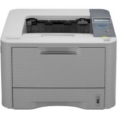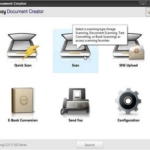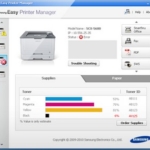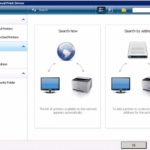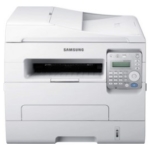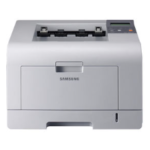
The Samsung Universal Print Driver supports the Samsung ML-3051N printer drivers for Windows Operating Systems.
Software details
Product description
Samsung ML-3051N Print Driver
Monochrome Laser Printer
Samsung ML-3051N Laser Printer can be connected to a computer with an Ethernet, parallel cable, or USB. All of these options can work if the driver is already installed on your device. The printer can work perfectly with Windows, Linux and Mac operating systems.
At its highest print speed, this printer can print documents up to 28 pages per minute with a resolution of 1200 x 1200 dots per inch. It has 64 MB of RAM and the processor runs at 400 MHz. If you need a fast and high-quality printer, check out the Samsung SL-M2070W. That’s a smart choice for you.
In the specifications, the monthly duty cycle reaching up to 35,000 pages is mentioned. The printer input tray capacity is 250 sheets. You can print anything from labels to postcards to transparencies to envelopes. It’s a versatile answer to your diverse laser printing needs.
The ML-3051N printer can be connected directly to a network via a conventional Ethernet interface, making it ideal for sharing. Installing the Samsung ML-3051N software driver works for the system to detect printers. Therefore, you must install the print driver for the operating system you are using.
Tags: driver, ml-3051n, printer, samsung
You may also like these softwares