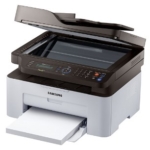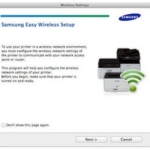
SPDS (Smart Printer Diagnostic System) – Diagnosis for Samsung Smart Printers.
Software details
Product description
Samsung SPDS App
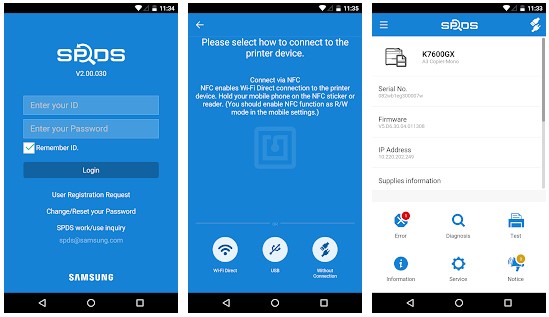
What is Samsung SPDS App?
Smart Printer Diagnostic System (SPDS)
From time to time there is always an error message that often appears when you are busy and have little time, patience, or resources to deal with it. But what if you have an instant way to solve the problem with maximum speed, efficiency, and cost-effectiveness? Smart Printer Diagnostic System (SPDS), a smartphone application is a service tool for printer failure diagnostics.
Treatment begins with a diagnosis of the problem. The correct diagnosis in the first place allows the problem to be fixed without further hiccups. Having expert knowledge at hand is invaluable, it will speed up the process, improve the accuracy of the service and therefore less headache for the end user.
With the SPDS application from Samsung Printing Solutions, technical support technicians can share, learn, and apply the most efficient and appropriate ways to troubleshoot shooting issues while also making savings in terms of time and cost for businesses.
Tags:
You may also like these softwares